
Build your profile and portfolio.
Sign up, add where you are based and describe the content you make. Upload a few examples so brands can understand your style. You can edit your profile and availability as your work develops.
Creator Club keeps the practical parts of a collaboration in one place: the brief, your application, the conversation and the content. Here’s what happens when you join as a creator.
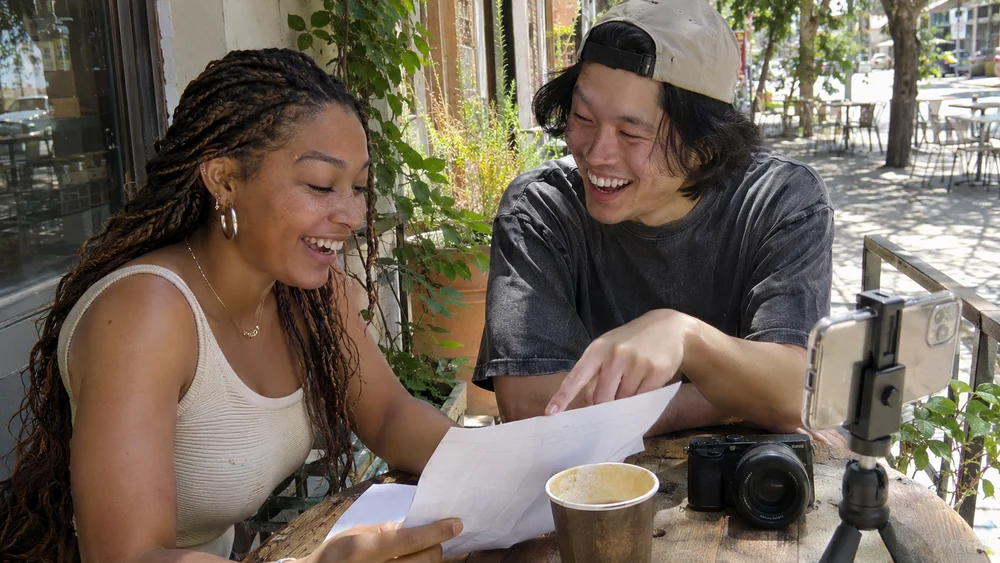
A few practical details make it easier to find the right collaboration.
Sign up, add where you are based and describe the content you make. Upload a few examples so brands can understand your style. You can edit your profile and availability as your work develops.
Browse paid opportunities in your dashboard. Check the deliverables, fee, deadline, usage rights and revision allowance. Send a pitch that responds to the brief rather than a generic introduction. The brand reviews applications and chooses who to work with.
Once selected, use the project conversation to confirm practical details. Upload your work, submit it for review and complete any agreed revisions. The brand approves the final delivery and arranges payment directly. Your workspace records the status, while your inbox collects collaboration updates.
The project conversation opens once an application is accepted. Make your application specific and check the brief carefully before applying. Use the project conversation to record any further agreed details.
No. Delivering a video file and publishing a social post are separate tasks. If posting is part of the collaboration, the brand and creator should agree the account, timing, caption and any additional requirements.
Your in-app inbox includes application, invitation, message and project updates. Open it from the bell or Inbox link. Email delivery is separate and is available only when configured and enabled in your notification preferences.
Build your portfolio and apply for briefs that fit your style.